

 Free on iPhone and iPad
The Coloring App That Turns Your Ideas and Photos Into Custom Pages in Seconds
Type a few words, upload a photo, or chat for ideas. Your custom page is ready to color or print right away.
Create coloring pages from any idea in seconds. Turn family photos into line art, describe a theme your child loves, or let the app suggest pages when you run out of inspiration.
 Scan with your iPhone or iPad camera
What Is the MyColoringPages App?
The MyColoringPages App is a mobile coloring app for iPhone and iPad that generates custom coloring pages from text descriptions or photos in seconds.
- ✦Make pages from anythingA few words, a family photo, or a whole book from one idea.
- ✎Color on screen, or together liveEight realistic tools, palettes and zoom. Invite up to three friends.
- ☁Thousands of pages, offlineSimple and detailed styles that work without internet.
Why the MyColoringPages App Stands Out
- 1
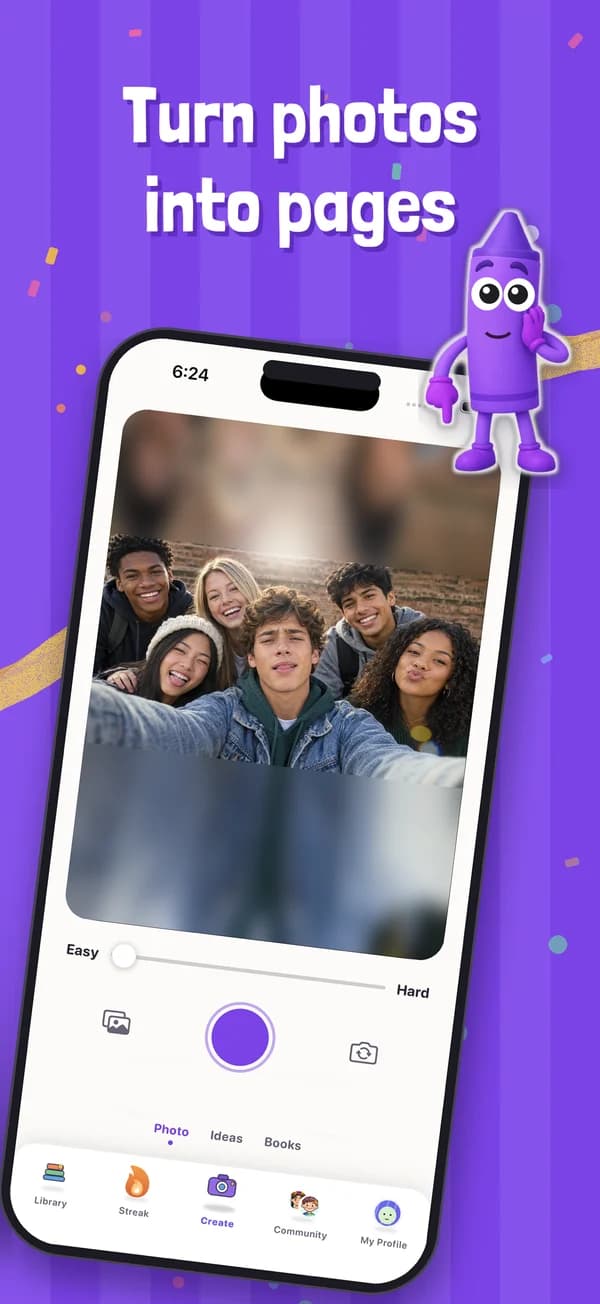
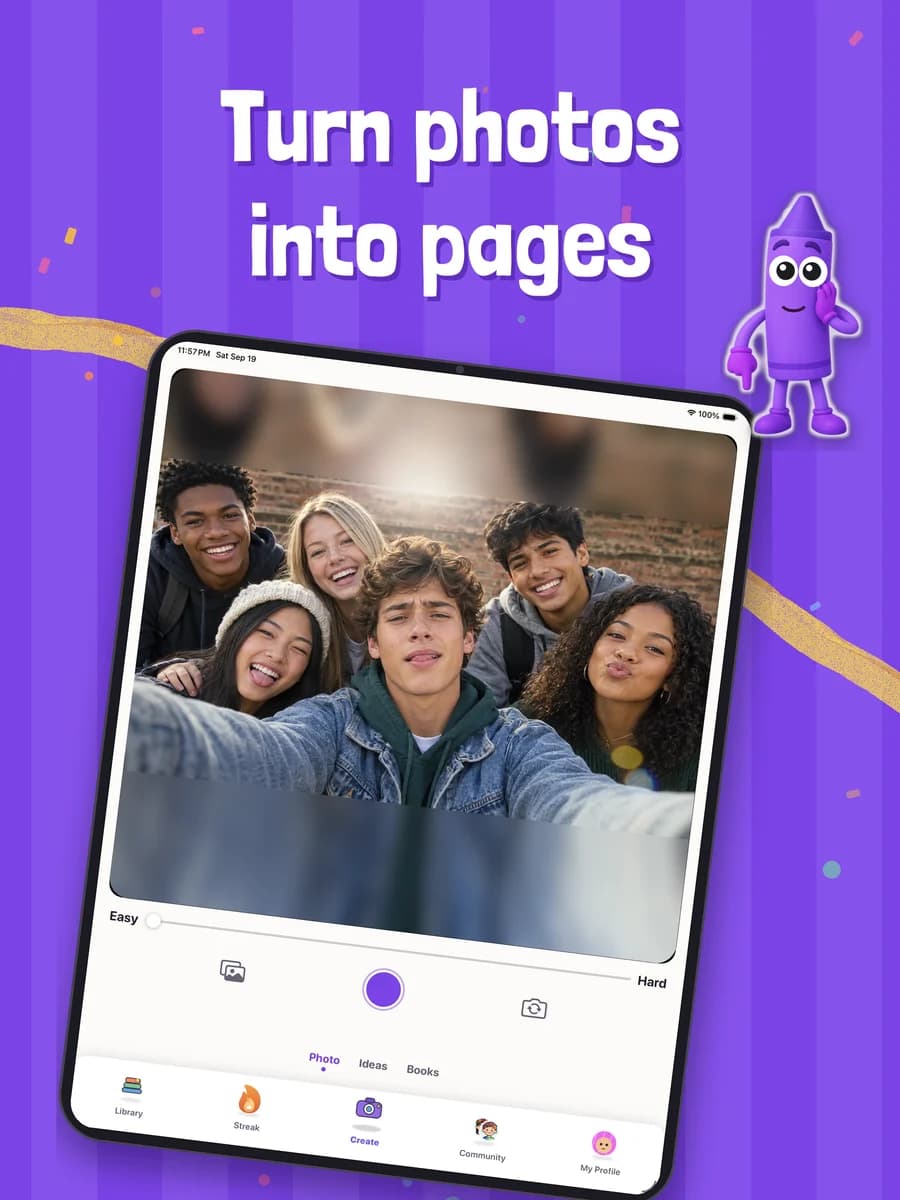
The MyColoringPages App Generates Custom Pages from Text or Photos in Seconds
Type a description, upload a family photo, or chat with the app for suggestions. Your custom coloring page is ready to color or print immediately, with no design skills required.
- 2
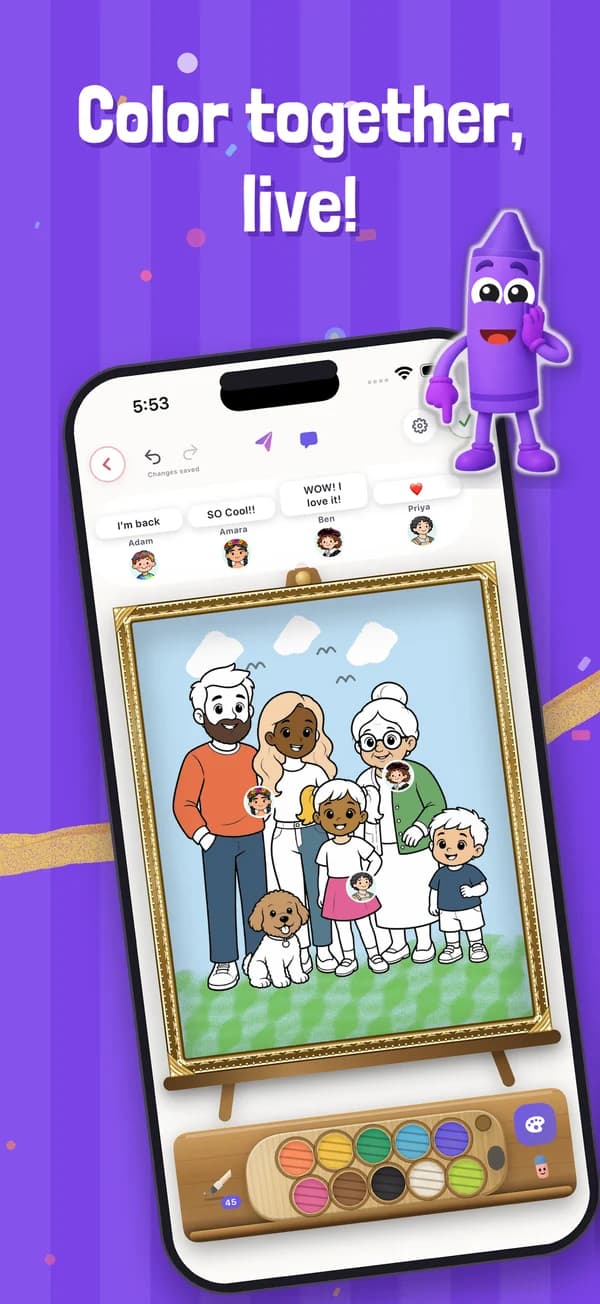
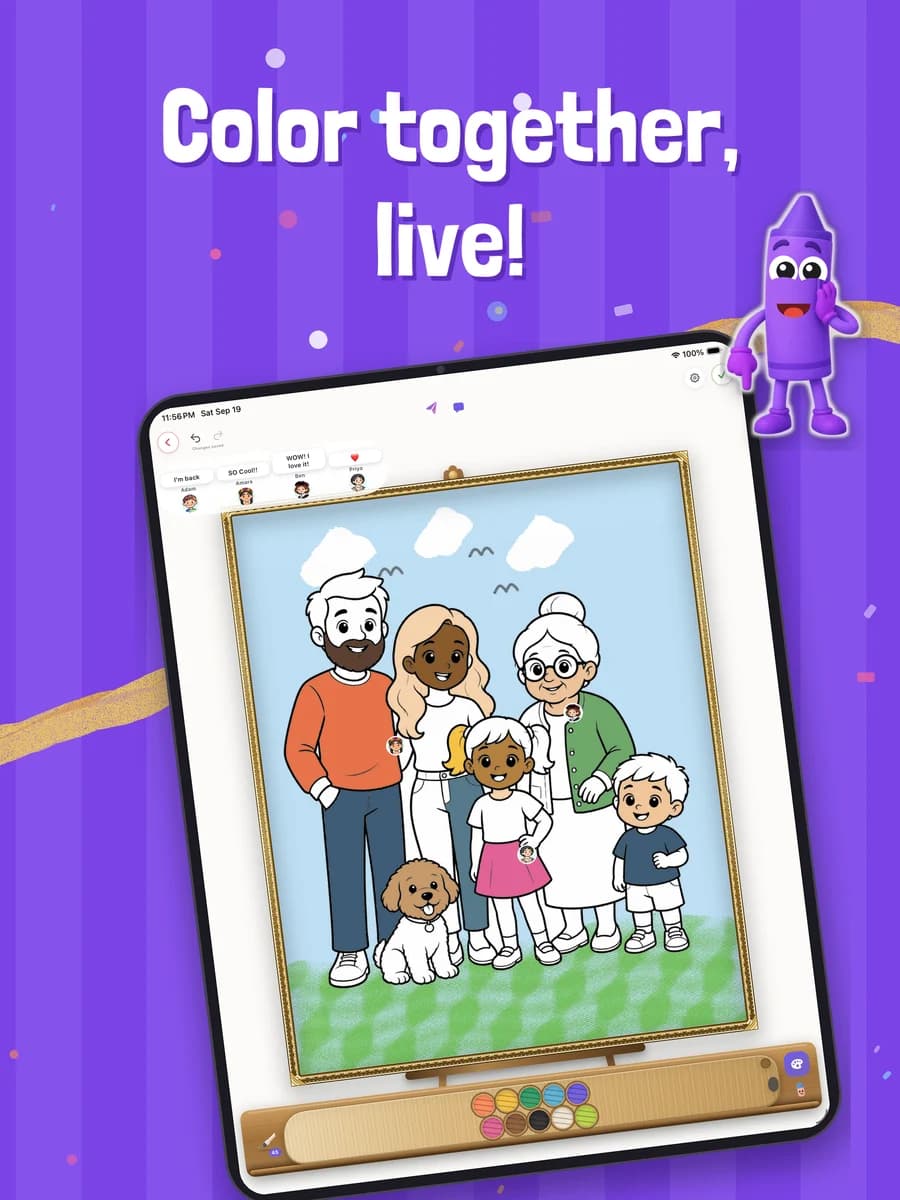
Color Directly on Your Device with Eight Realistic Tools and Live Collaboration
The MyColoringPages App includes realistic coloring tools, ready-made palettes, zoom, and a finished reveal feature. Invite up to three friends to color the same picture at the same time and watch every stroke live.
- 3
Thousands of Ready-Made Pages Work Offline for Kids and Adults
Access a library of animals, mandalas, unicorns, dinosaurs, and more in simple and detailed styles. All pages, books, and creations work offline, so you can color anywhere without internet.
- 4
Build Complete Coloring Books from One Idea or a Photo Album
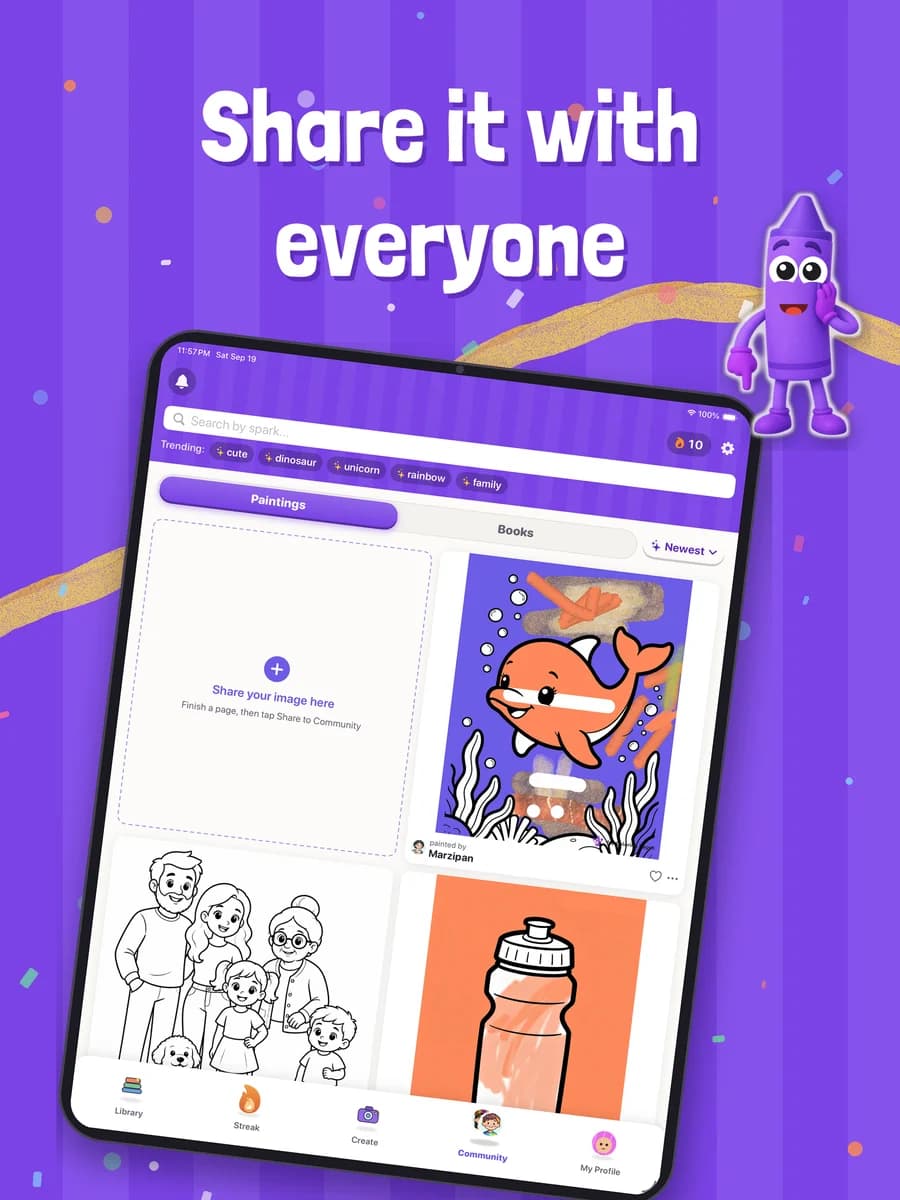
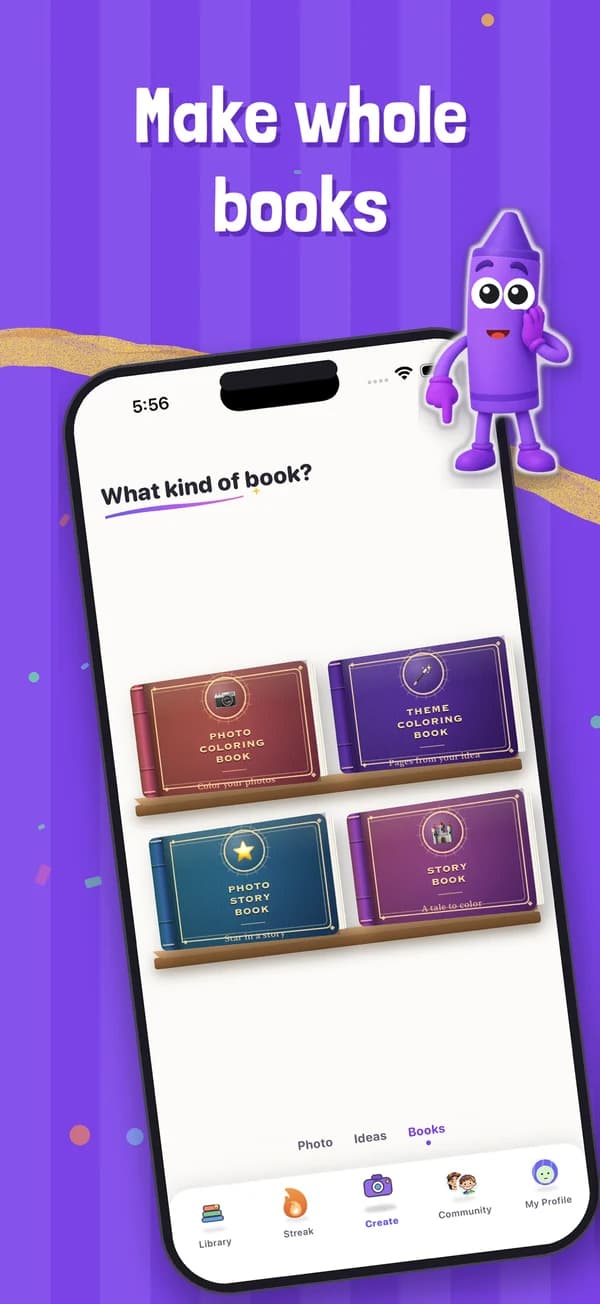
The MyColoringPages App lets you create a full coloring book from a single concept, turn each photo in an album into a coloring page, or generate a storybook with a written tale starring your own photos.
- 5
Calm Screen Time with Daily Quests, Streaks, and Parent-Controlled Guest Mode
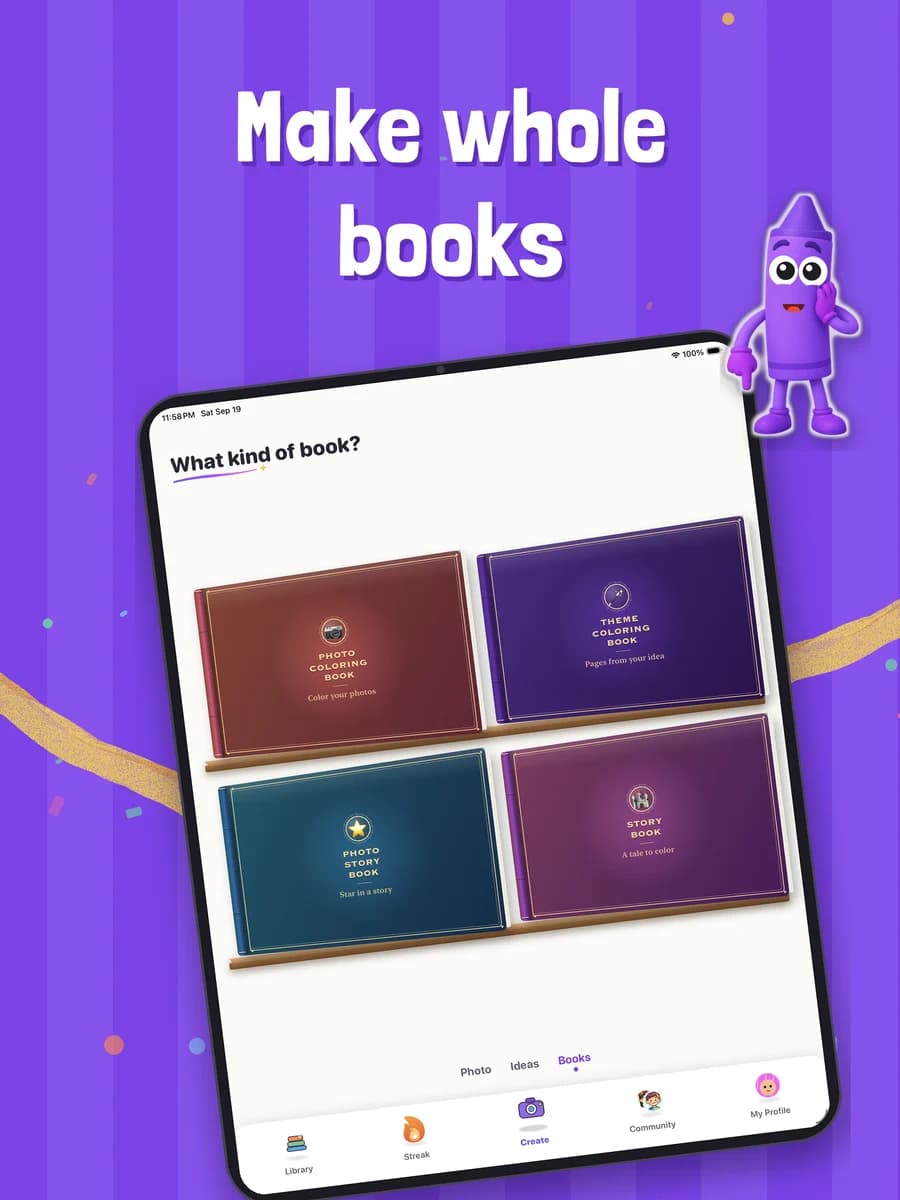
Daily quests, streaks, and badges keep kids engaged in a productive activity. Guest mode lets children color without sign-up, and photo uploads and purchases sit behind parent actions.
Create Your First Custom Page in Three Steps
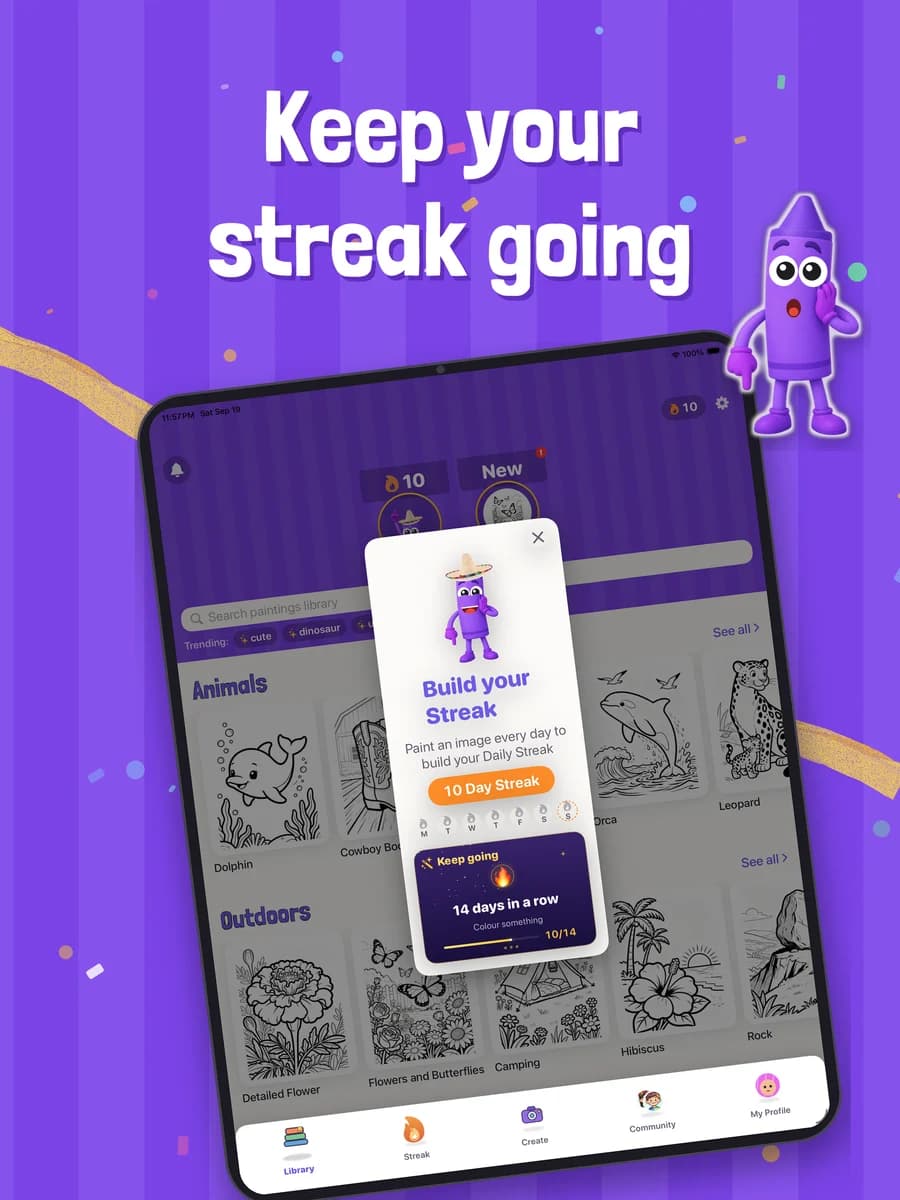
Each mode is designed for speed. Describe a theme your child loves, upload a family photo, or outline a story. The app handles the rest.
Choose Your Creation Mode
Start however you like.
Generate Your Custom Page
A fresh page, ready in seconds.
Color On Screen or Print at Home
Finish it your way.
Who Uses the MyColoringPages App and Why
Endless Custom Pages for Kids Who Finish Books Fast
- Pages on demand for any theme your child loves
- No more coloring books finished in a weekend
- Family photos into pages for rainy days and road trips
Try: “my son as an astronaut with our dog”
Curriculum-Specific Pages Ready in Seconds
- Themed pages for every classroom unit
- No prep time hunting across generic sites
- A fresh batch every Monday, matched to the week
Try: “the water cycle with labeled clouds”
Custom Pages for Specific Client Themes
- Pages for moments like a new school or a doctor visit
- Tailored to each client's interests
- Helps kids open up and engage
Try: “a calm first day at a new school”
Detailed Mandalas for Stress Relief
- A low-barrier creative outlet after a long day
- Exactly the style you want
- No need to buy multiple coloring books
Try: “an intricate ocean mandala”
Fresh Line Art for Content and Printables
- Unique pages for blogs, newsletters and social posts
- Themed sets and photo-to-page art in minutes
- Use them commercially: sell, publish, or print on demand
Try: “a cozy autumn cafe scene”
Pages That Match This Week's Lesson
- Coloring pages for any topic you're teaching
- Field trip photos turned into keepsake pages
- A whole themed book for each unit
Try: “Ancient Egypt pyramids with camels”
Themed Coloring Stations for Any Celebration
- Birthdays, showers and family gatherings
- Pages starring the guest of honor from a photo
- Print a stack in minutes
Try: “a dinosaur birthday party with balloons”
Family Photos the Grandkids Can Color
- Turn family photos into pages to color together
- Simple enough for anyone to use
- Color the same page live, even from far away
Try: “grandma's garden with the grandkids”
Available on iPhone, iPad, Mac, and Apple Vision Pro
Free to Download on the App Store
The MyColoringPages App is free to download on the App Store for iPhone and iPad (iOS and iPadOS 17 or later). The app is rated 4+ and runs on Apple silicon Macs and Apple Vision Pro.
Works Offline for Coloring Anywhere
All pages, books, and creations work offline. Download your library before a road trip, flight, or any time you won't have internet.
Available Only on the App Store
The app is available exclusively on the App Store. There is no Google Play version at this time.
Scan with your iPhone or iPad camera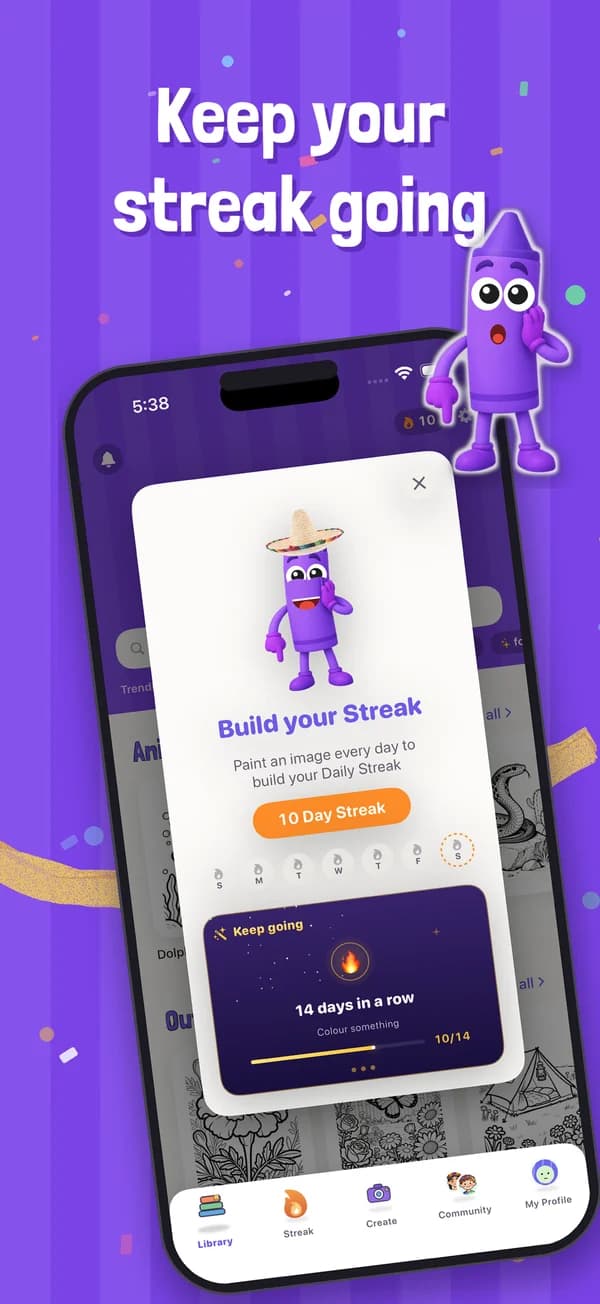
Turn Finished Pages Into Bookmarks, Cards, and More
DIY Crafts: Bookmarks, Greeting Cards, and Puzzles
Turn your finished coloring pages into bookmarks, greeting cards, and puzzles. Print on cardstock, laminate, or frame your favorites.
Themed Decorations for Parties and Events
Use custom pages as themed decorations or a coloring station for birthday parties, weddings, or family gatherings. Custom pages add a personal touch that generic decorations can't match.
Waiting Rooms, Restaurants, and Travel
Keep kids entertained in waiting rooms, restaurants, or on long car rides with pages built around their favorite things.
Frequently Asked Questions
Is the MyColoringPages App Free to Use?
Yes. The MyColoringPages App is free to download on the App Store for iPhone and iPad and has a free mode you can use right away. Premium features are offered as in-app purchases, and the App Store listing shows every option before you download.
Can I Use These Pages for Commercial Purposes?
Yes. You can use the coloring pages you create for personal, educational, and commercial purposes, including printing, selling, and publishing them, for example in print-on-demand or self-published coloring books. Reselling the app itself or our ready-made library pages is not permitted.
How Is This Different from Other AI Coloring Page Generators?
The MyColoringPages App pairs an AI page generator with a full coloring game. Turn photos into pages, build whole coloring books and story books from one idea, and color on screen with eight realistic tools. You can also invite up to three friends to color the same picture live, and the library of thousands of ready-made pages works offline.
Does the App Work Offline?
Yes. All pages, books, and creations work offline once they're downloaded to your device. Color anywhere without internet. Perfect for road trips, flights, or any time you don't have Wi-Fi.
Can I Use My Own Photos to Create Coloring Pages?
Yes. Upload any photo and the app converts it into a clean, printable coloring page. Turn family photos, pet pictures, or vacation snapshots into custom pages. Clear, well-lit photos give the cleanest results.
Is the App Safe for Kids?
Yes. The app is rated 4+ on the App Store. Guest mode lets children color without a name, email, or sign-up, and photo uploads and purchases sit behind parent actions. Daily quests, streaks, and badges keep kids engaged in a calm, creative activity.
Your Next Coloring Page Is One Idea Away
Free to download on iPhone and iPad. Turn any idea or photo into a page in seconds.
Scan with your iPhone or iPad camera